




Watch your favorite videos on your PSP
Each day we have access to more video formats, mainly due to the increase in the number of gadgets that allow us to view videos, among which we will be able to find the iPod and iPhone by Apple, the Nintendo DS and the Sony PSP.
Convert your favorite videos to the PSP format
All these gadgets use similar formats, even though they are all different at the same time, so if we have a video on our computer and we want to watch it on our favorite gadget, we will have to use a converter to have it in the proper format.
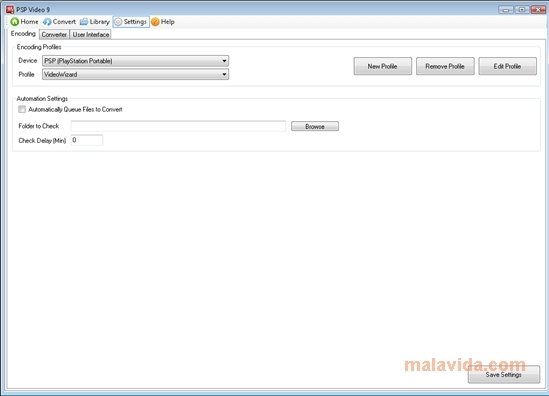
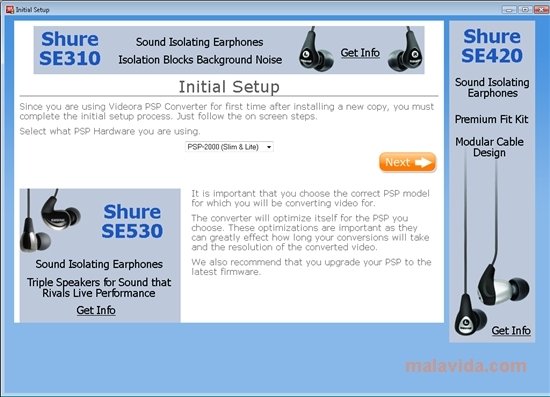
In the case of the Sony PSP, we will have the option to use PSP Video 9, a free converter specifically developed to convert videos to the format used by the three generations of the portable video game console by Sony. As soon as we start the application, it will allow us to decide which of the versions of the PSP (1000, 2000 and 3000) we want to convert the video. After selecting this simple premise, the program will open the main window, where we will be able to convert the videos.
The formats supported by PSP Video 9 include AVI, DivX, Xvid, FLV (used by the YouTube videos) and VOB, among others. All these formats will be able to be converted to the H.264/AVC format used by the Sony console. Once we select a video to convert, the program will allow us to choose the image and audio quality, and if we want to try to improve it, at that same time that it shows us a graphic that will indicate if the conversion will be quicker or slower if the quality will be better or lower and the final size of the converted file.
Requirements and additional information:
 Leticia Sorivella
My name is Leticia. I really like movies, television, and music. That is why I studied Audiovisual Communication. In the beginning, I wanted to work in movies, but I ended up on television. Then, I went from being behind the cameras to being in...

Antony Peel